
Projects & contracts
From a signed proposal to the last payment
Bigger jobs need more than a price. Send a proposal with your photos and warranty, have the customer sign to accept, take the deposit on the spot, bill the rest as the work gets done, and have them sign off when the crew finishes. Maintenance contracts renew on their own.
Projects, signatures, proposals, deposits, time and materials, sign-off and contracts on Pro and Business. Bed and mulch pricing from the map on every plan, Free included.
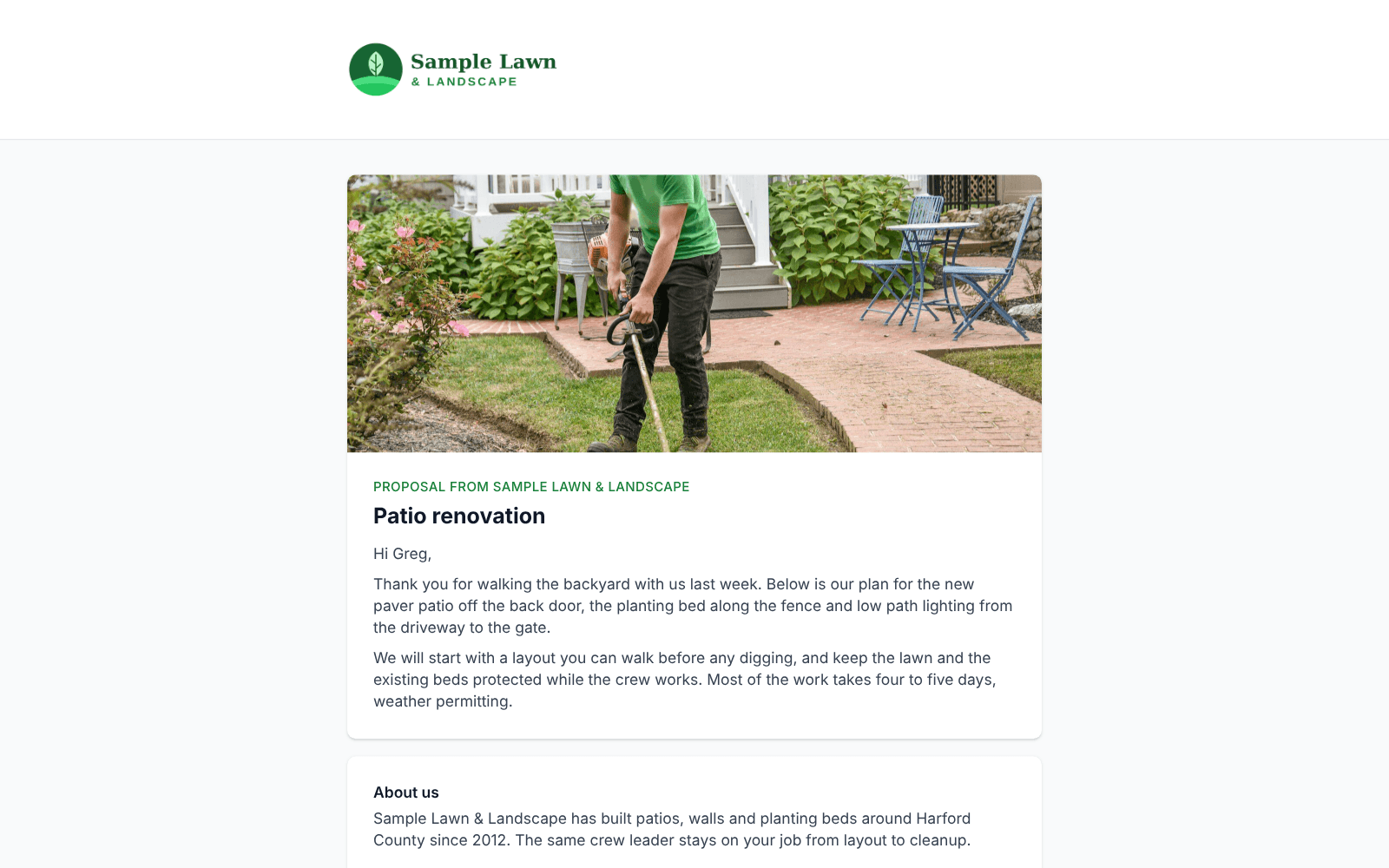
Proposals that sell the job
A cover photo, a letter to the customer, who you are, up to eight photos of earlier work or the site, your warranty and a closing, around the priced quote on the quote page and its PDF.
Signed to accept
The customer draws or types their signature on the quote page. The date and time, their IP address and browser are kept, and the signature prints on the PDF. Ask for it on projects, on every quote, or per quote.
Deposits and milestones
A deposit taken when the customer accepts, then payments at the start, on a date, at completion or when you say. Each one is its own invoice, paid online or charged to the card on file.
Time and materials
Bill a line by the hour plus materials with your markup, up to a not-to-exceed amount. Crews record hours and materials on the job, you approve, and it goes on the invoice.
Sign-off on the job
When the crew finishes, the customer signs on the crew’s phone, or the crew notes why they could not. Optional or required, and it works with no signal.
Contracts that renew
Give a quote a term, such as 12 months. It renews automatically with a price increase and a notice, or sends a renewal quote for the customer to accept, and you see what was renewed, lost or still pending.
Projects in one list
Mark a quote as a project, or let GroundsQuote suggest it for one-time work over an amount you choose. The Projects page lists them open, won and lost, with the signature, the visits done and what has been invoiced so far.
Get paid before the crew shows up
Save the payment schedules you use, such as 50% to accept and 50% at completion, and pick one on the quote. Customers see the schedule before they accept and can pay the deposit right away. While a required deposit is unpaid, the job waits before it goes on the schedule.
- Deposits that must be paid, may be paid, or are just invoiced
- Payments by percentage or a fixed amount
- Milestone invoices sent automatically when they come due
- Time and materials shown to the customer with the rate, markup and cap
Maintenance contracts without the spreadsheet
An accepted contract tracks its term, its renewal date and the notice period. Renew several at once with the renewal wizard, and the team is emailed about contracts that were declined or never answered. Jobs keep running while a renewal waits.
Beds and mulch priced from the map
Draw planting beds on the measuring map, or drop a tree ring or rectangle of a set size. Price bed work by bed area, mulch by the cubic yards a depth needs, and edging by the foot. Beds come off the lawn area automatically.
From a customer
“Before GroundsQuote, we were using different apps for estimates, scheduling, and billing. It was a mess trying to keep everything organized. Having it all in one place has made running the business a lot simpler. I spend less time on paperwork and more time getting work done.”
Questions
Is the signature legally binding?
Electronic signatures are recognized under the federal ESIGN Act and state electronic signature laws. With each one, GroundsQuote keeps the signed name, the drawn or typed signature, the date and time, the IP address and browser, and the exact version of the quote that was signed, so you have a clear record of what the customer agreed to.
Do customers need an account to sign?
No. They sign on the quote page from the link in their email.
Can crews see the cost of materials?
No. Crews enter what they used; costs and markup stay with the office.
Which plan do I need?
Pro ($129 a month) or Business. Pricing beds, mulch and edging from the map is on every plan, Free included.
Works hand in hand with
Instant Quote & lawn measuring
Instant Quote, the quote form for your website that measures the lawn from the address and prices it with your rates.
Invoicing & payments
Invoices built from finished visits, emailed with a PDF, paid online or by autopay.
Scheduling & routes
Recurring jobs from accepted quotes, crews, a drag-and-drop calendar and optimized routes.
Free forever plan, no card · 30-day free trial on paid plans · Cancel anytime
Run your whole season from one app
Start free with quotes that measure the lawn from the address. Add scheduling, crews and invoicing when you are ready.
Free forever plan, no card · 30-day free trial on paid plans · Cancel anytime